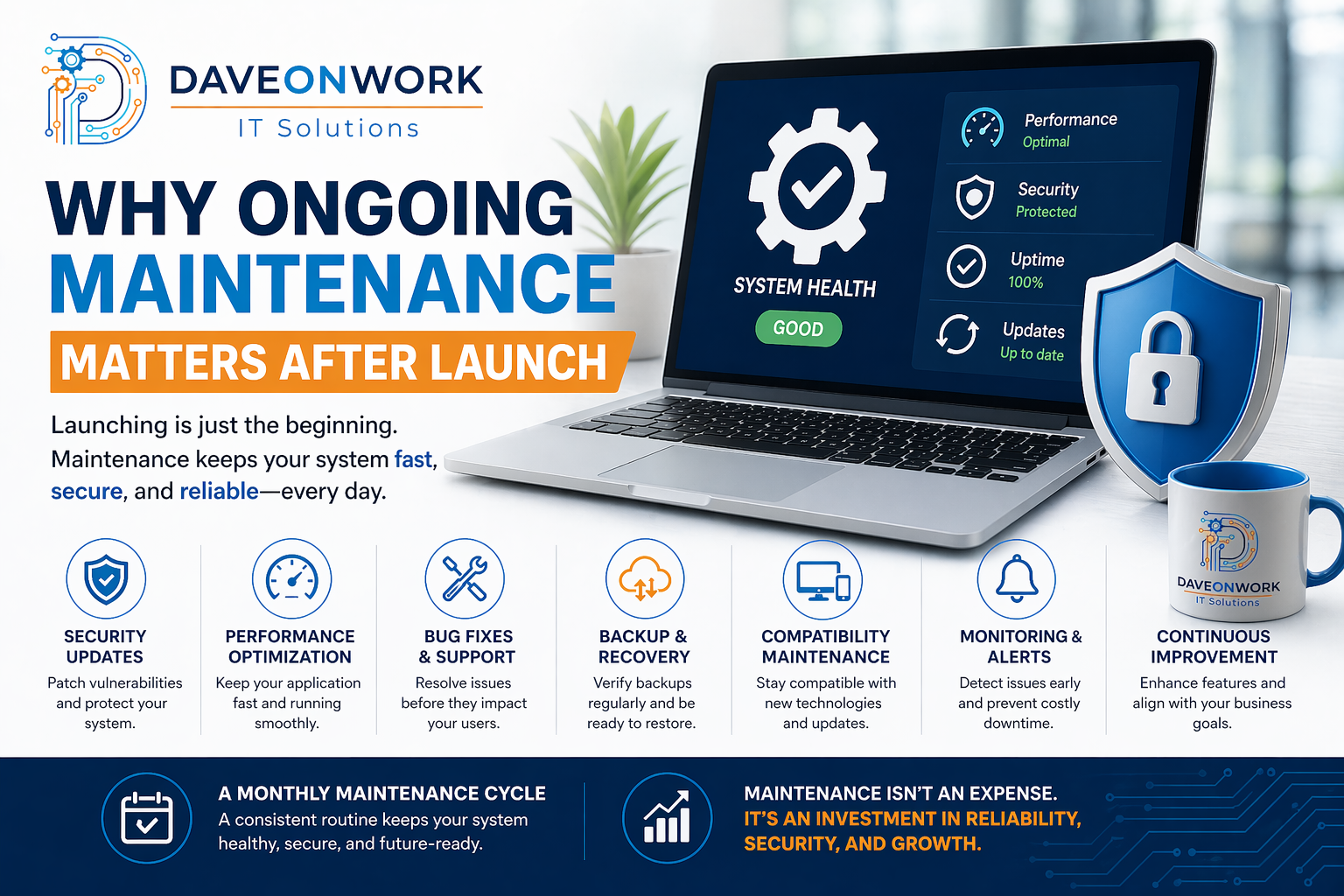
Why Ongoing Maintenance Matters After Launch
Launching a system or website is a major milestone—but it is not the finish line. In reality, it marks the beginning of a continuous process that ensures your system remains secure, high-performing, and aligned with your business needs.
Many businesses make the mistake of treating launch as the final step. Without proper maintenance, even the most well-built systems can degrade over time—leading to slow performance, security vulnerabilities, and unexpected downtime.
Here’s why ongoing maintenance is essential—and what it should include.
1. Security is an Ongoing Responsibility
Cyber threats continuously evolve. A secure system today may become vulnerable tomorrow.
What to do:
• Apply regular security patches and updates
• Monitor for suspicious activity
• Conduct periodic vulnerability assessments
2. Performance Degrades Without Optimization
As usage grows, systems naturally slow down if not optimized.
What to do:
• Monitor system performance and load times
• Optimize database queries and resources
• Scale infrastructure when needed
3. Bugs and Issues Appear Over Time
Even after testing, real-world usage reveals issues that need attention.
What to do:
• Track and fix bugs continuously
• Maintain a support and ticketing process
• Prioritize fixes based on impact
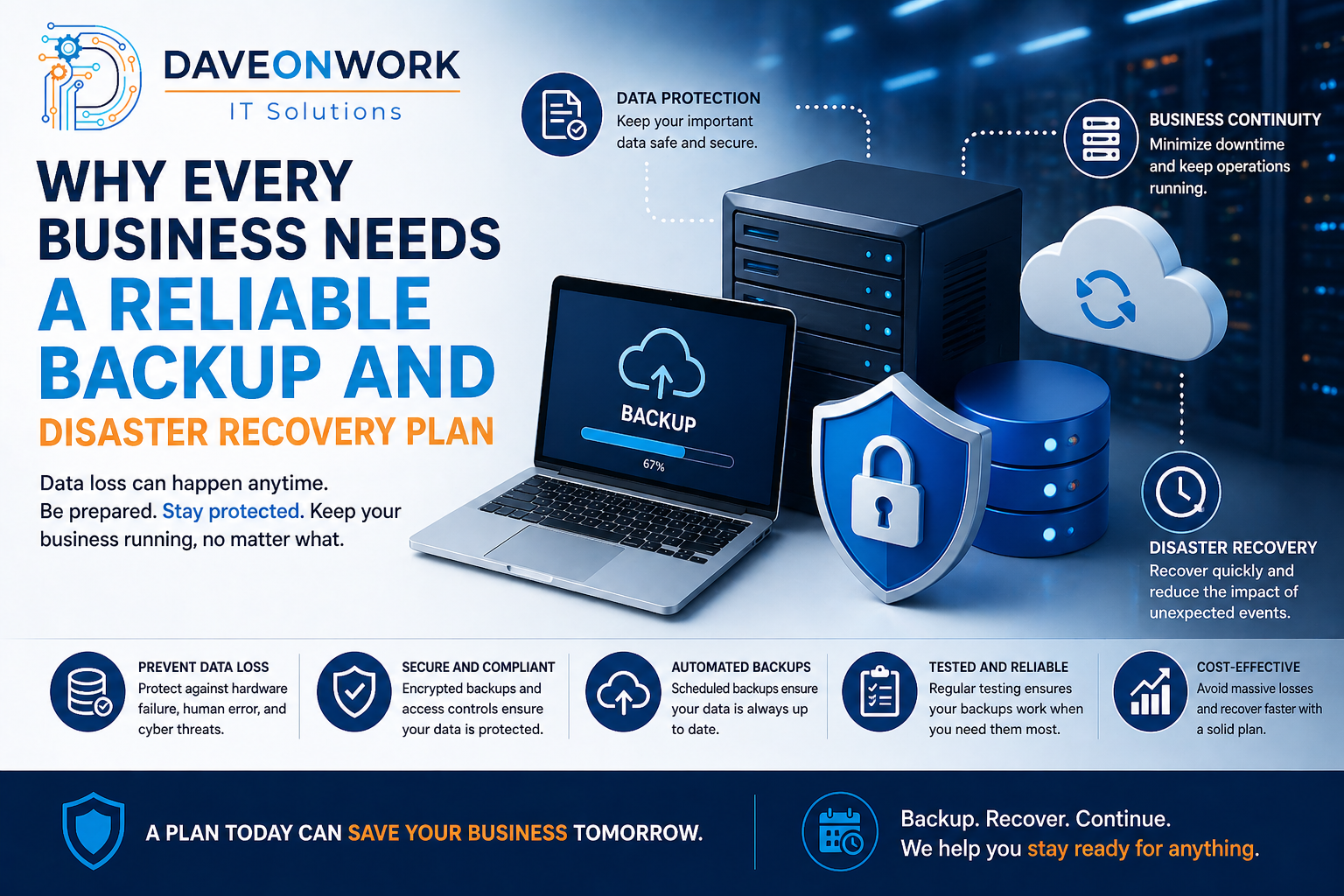
4. Backups Must Be Verified Regularly
Having backups is not enough—they must be tested to ensure they work.
What to do:
• Automate backups
• Perform regular restore testing
• Store backups securely (offsite or cloud)
5. Compatibility Needs to Be Maintained
Frameworks, browsers, and third-party services are constantly updated.
What to do:
• Update dependencies and libraries
• Ensure compatibility with new devices and browsers
• Replace deprecated tools or APIs
6. Monitoring Prevents Major Failures
Without monitoring, small issues can escalate into major outages.
What to do:
• Implement real-time monitoring tools
• Set up alerts for critical failures
• Review logs and metrics regularly
7. Continuous Improvement Drives Business Value
Maintenance is not just about fixing—it’s also about improving.
What to do:
• Gather user feedback
• Introduce enhancements and new features
• Align updates with business goals
Recommended Monthly Maintenance Cycle
To stay consistent, businesses should adopt a structured monthly routine:
✅ System health and performance check
✅ Security updates and patching
✅ Backup verification and testing
✅ Bug fixes and minor improvements
✅ Review logs and monitoring alerts
✅ Plan next enhancements
Final Thoughts
A system without maintenance is like a vehicle without servicing—it may run for a while, but failure is inevitable.
Ongoing maintenance ensures your system remains:
• Secure
• Efficient
• Reliable
• Scalable
Investing in regular maintenance is not a cost—it is a strategic decision that protects your operations and supports long-term growth.