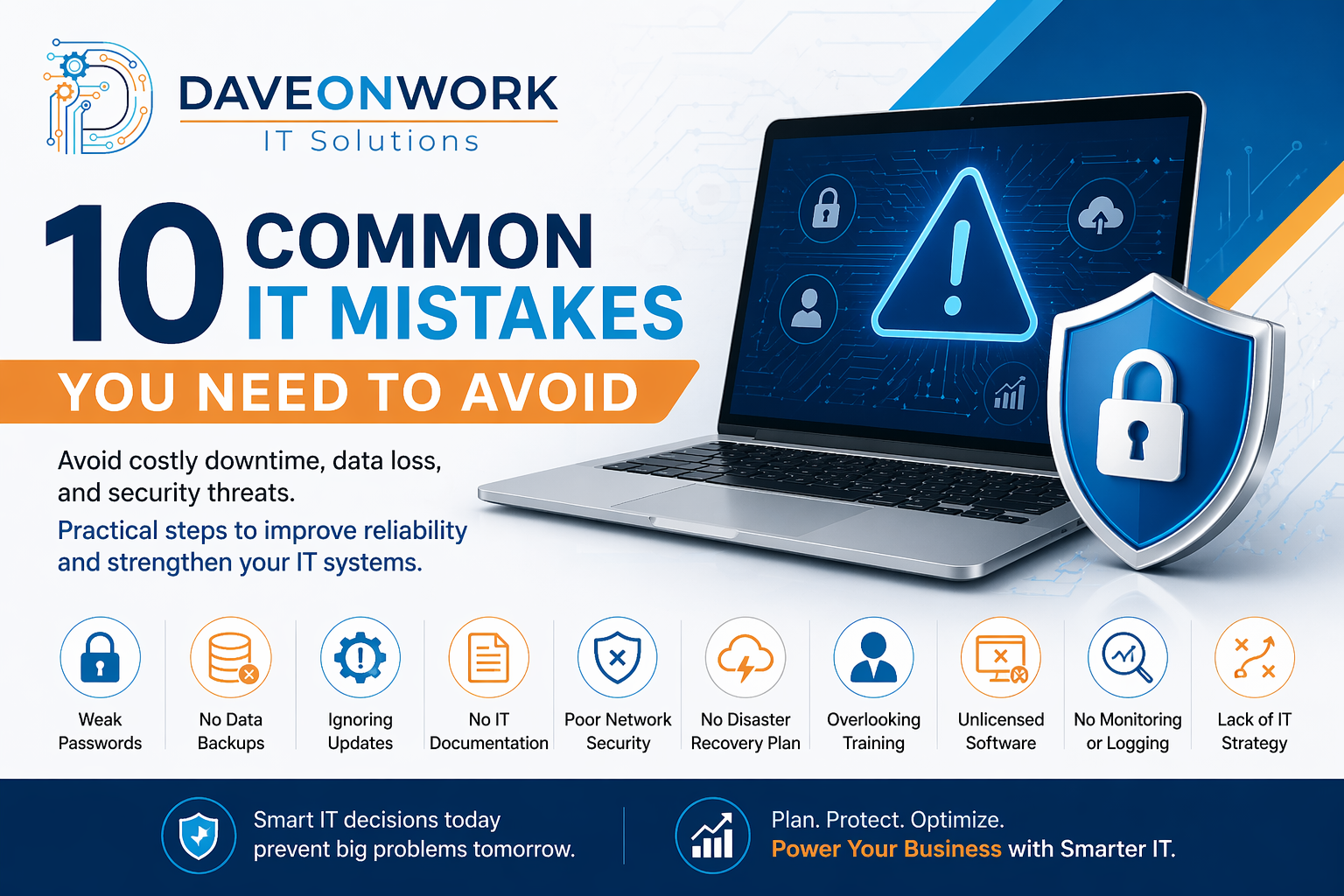
10 Common IT Mistakes You Need to Avoid (And How to Fix Them)
In today’s digital landscape, businesses rely heavily on technology to operate efficiently, stay competitive, and secure sensitive data. However, many organizations invest in IT tools without establishing the proper strategy, governance, and maintenance practices.
These oversights may seem minor at first—but they can lead to serious consequences such as downtime, data breaches, financial loss, and reputational damage.
Below are the 10 most common IT mistakes businesses make—and practical ways to avoid them.
1. Weak Password Policies
Using simple or reused passwords is one of the easiest ways for attackers to gain access.
How to fix:
• Enforce strong password policies
• Require multi-factor authentication (MFA)
• Use password managers
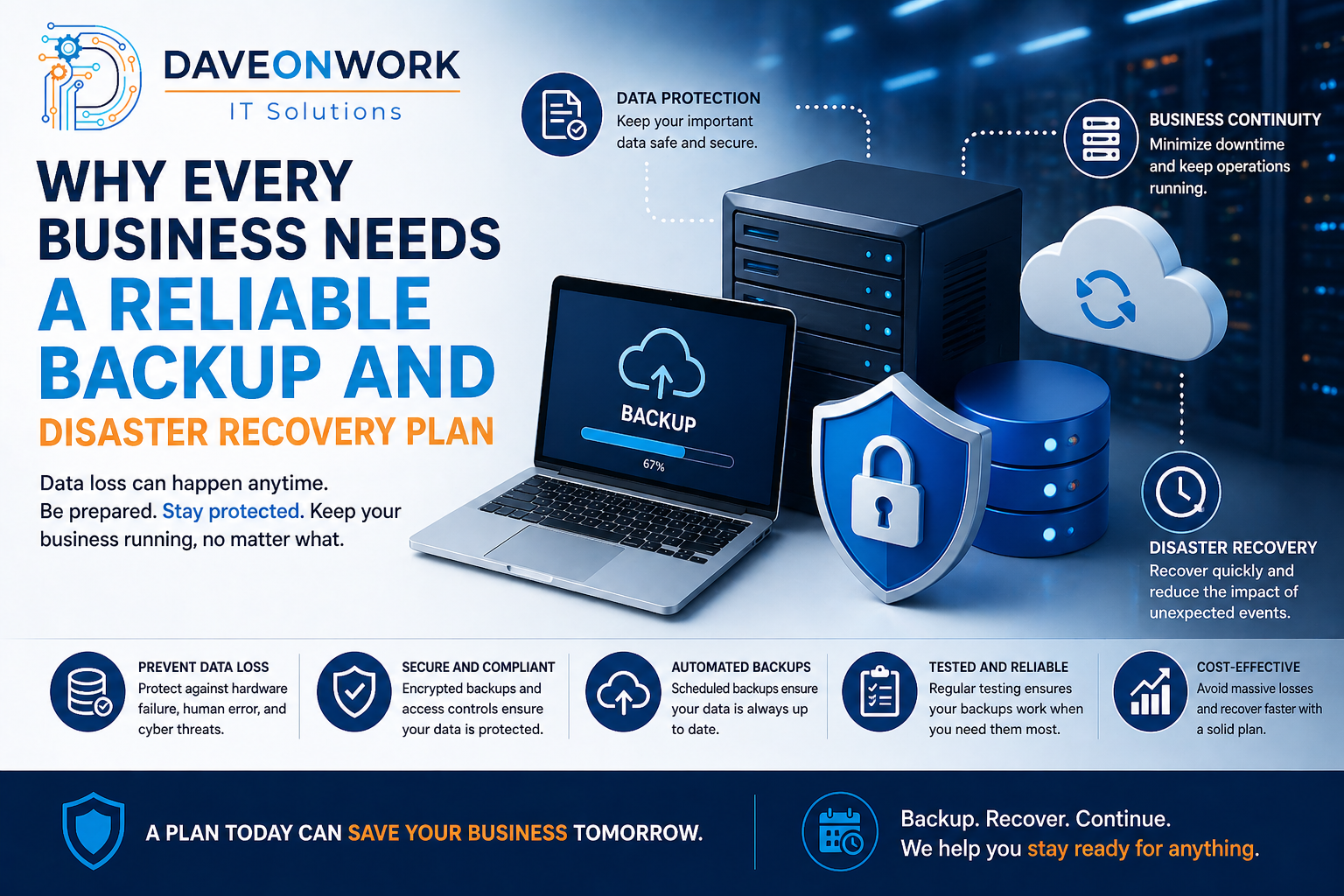
2. No Data Backup Strategy
Many businesses assume backups are working—until data is lost.
How to fix:
• Implement automated backups
• Use the 3-2-1 backup rule (3 copies, 2 media types, 1 offsite)
• Regularly test backups
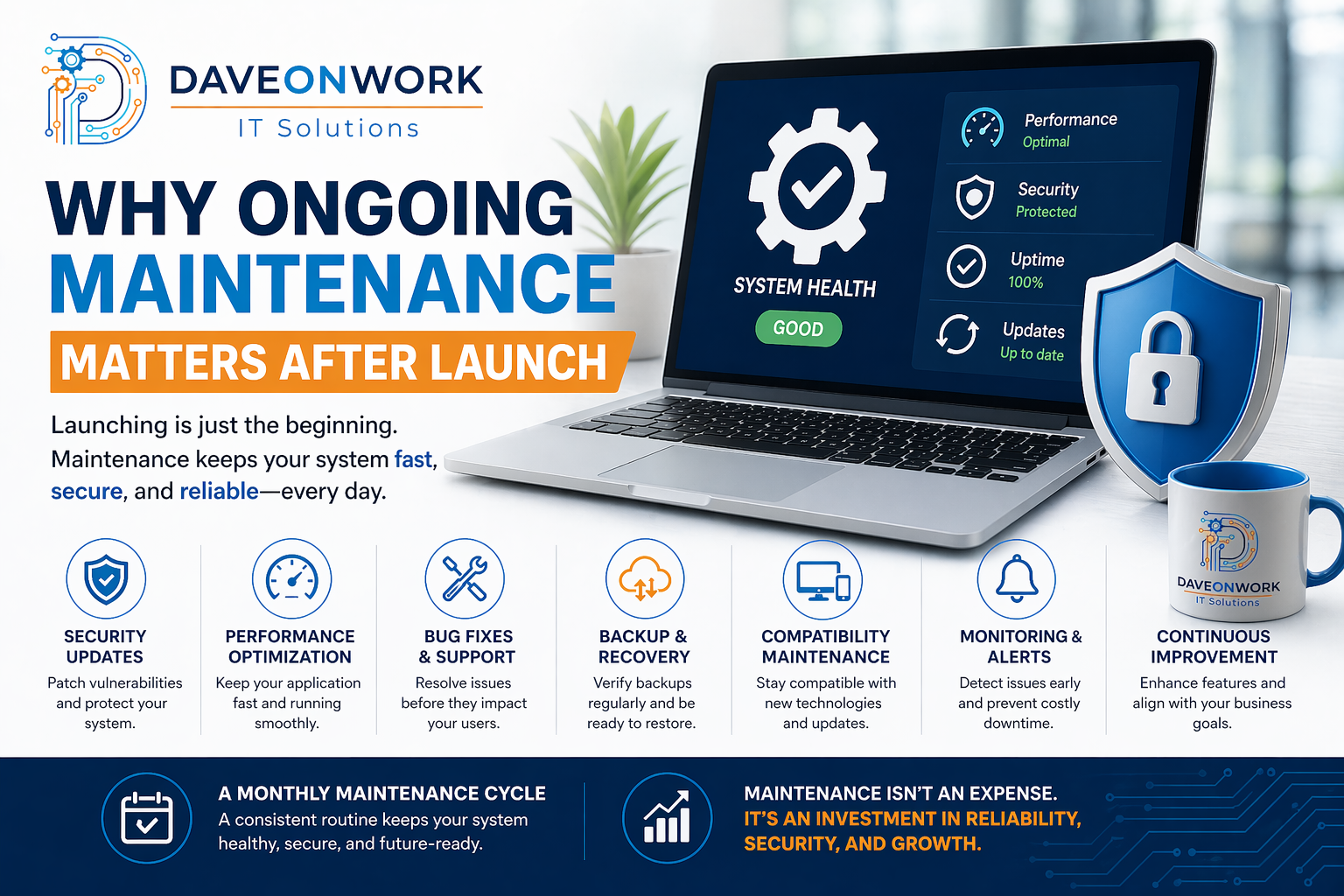
3. Ignoring Software Updates
Outdated systems are vulnerable to known security threats.
How to fix:
• Enable automatic updates
• Maintain patch management schedules
• Monitor critical vulnerabilities
4. Lack of IT Documentation
Without proper documentation, troubleshooting becomes slow and inconsistent.
How to fix:
• Document systems, processes, and configurations
• Maintain updated network diagrams
• Use centralized documentation tools
5. Poor Network Security Configuration
Open ports, weak firewalls, and misconfigured routers create security risks.
How to fix:
• Configure firewalls properly
• Segment your network
• Regularly audit configurations
6. No Disaster Recovery Plan
When systems fail, businesses without a recovery plan struggle to restore operations.
How to fix:
• Create a Disaster Recovery (DR) plan
• Define Recovery Time Objectives (RTO)
• Conduct simulation testing
7. Overlooking Employee Training
Human error is one of the biggest cybersecurity risks.
How to fix:
• Conduct regular cybersecurity awareness training
• Educate employees about phishing and social engineering
• Implement access control policies
8. Using Unlicensed or Unsupported Software
This increases legal risks and exposes systems to vulnerabilities.
How to fix:
• Use licensed software only
• Replace outdated or unsupported systems
• Track software assets
9. No Monitoring or Logging
Without monitoring, issues go unnoticed until it’s too late.
How to fix:
• Implement system monitoring tools
• Enable logging and alerts
• Review logs regularly
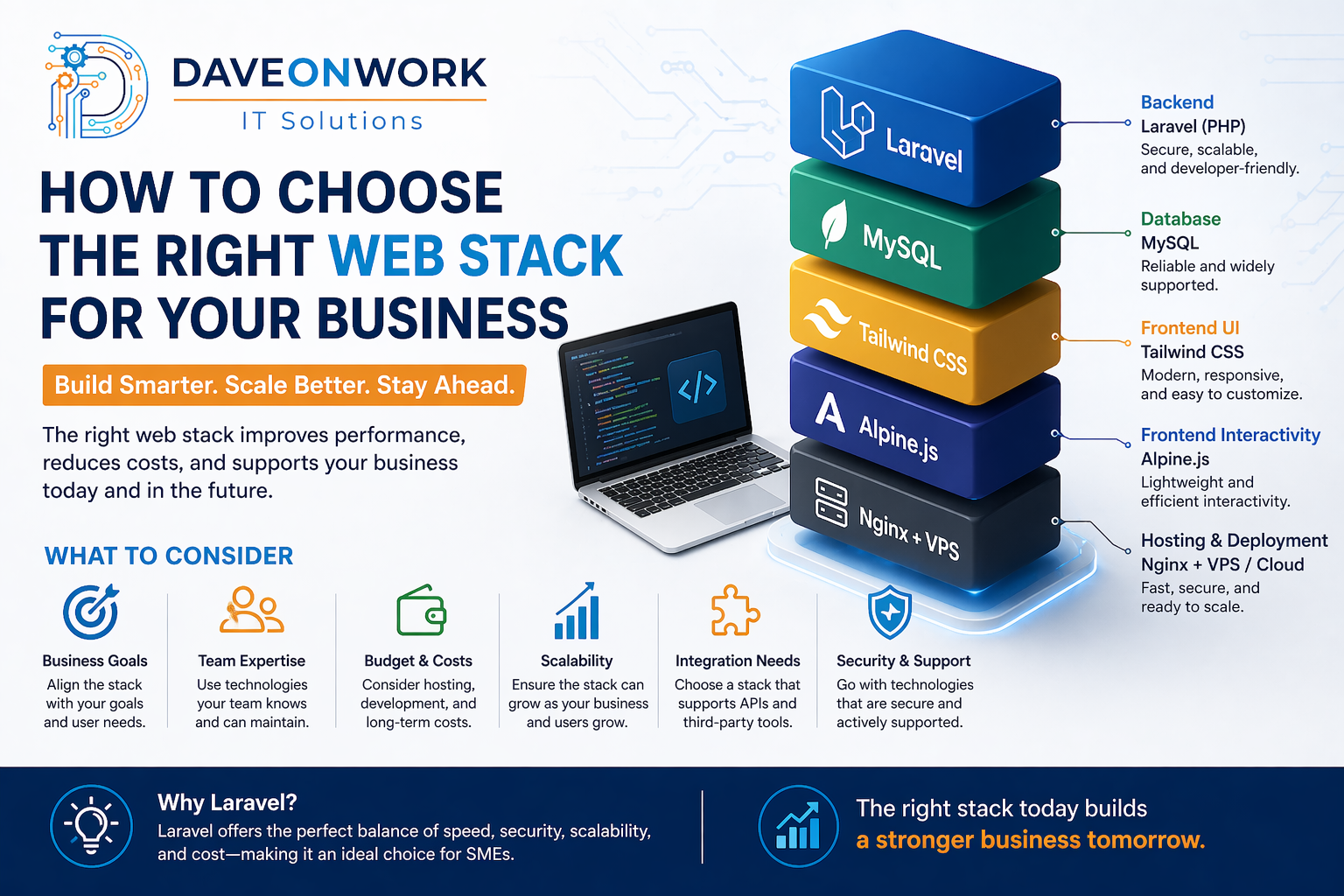
10. Lack of IT Strategy and Planning
Technology without direction leads to wasted resources and inefficiency.
How to fix:
• Align IT with business goals
• Develop an IT roadmap
• Conduct regular system evaluations
Final Thoughts
Avoiding these common IT mistakes is not just about preventing problems—it’s about building a stable, secure, and scalable foundation for your business.
By implementing proper strategies, regular maintenance, and strong security practices, you can significantly reduce risks and improve operational efficiency.
If you’re unsure where to start, consider working with an IT professional or consultant to assess your current setup and identify areas for improvement.